





EV Charging Guide
EV Charging 101: Basics of Charging Your Electric Vehicle
Looking for an electric vehicle charging guide? You’re in the right place!
At Lancaster Motor Company, we have everything you need to know about Chevy EV charging. From the types of charging to tips on preserving your battery life, we’ll help you understand how to charge an electric vehicle.
Understanding the Different Charging Levels
Let’s start with the EV charging basics.
You can charge your electric vehicle at public charging stations or at home. There are three different levels of charging, and the amount of time it takes to recharge your vehicle will vary based on the type you use.
Your EV will be charged by either alternating current (AC) or direct current (DC) fast charging. AC charging is level 1 and level 2, while DC is level 3. Your vehicle may not be compatible with all three levels of charging, so be sure to check your owner’s manual before your first charge.
Let’s take a look at the three charging levels:
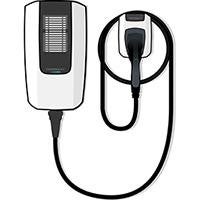
AC Charging (Level 1)
You can do level 1 charging at almost any properly equipped standard 3-prong wall outlet (120v). If you’re charging your electric vehicle at home, it will be level 1. You should note that this takes the longest amount of time to fully charge your battery, so we recommend it when you need to “top off” after short trips or let it fully charge overnight.
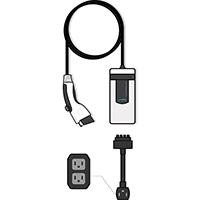
AC Charging (Level 2)
Level 2 charging is faster than Level 1 and requires a high-power, 4-prong wall outlet (240v). You can also have hardwired charging equipment professionally installed at home or in your preferred charging location, like your office. Most public charging stations offer level 2 charging.
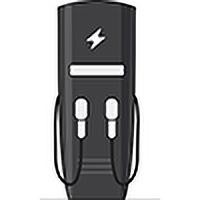
DC Fast CharginG
DC Fast Charging will recharge your vehicle the fastest. Many public chargers have high-power DC charge capabilities. Fast Charging can get you to 80% in as little as 20 minutes.
How to Charge Your EV: A Step-by-Step Guide
Wondering how to charge your Chevy EV? Here’s a step-by-step guide from the experts at Lancaster Motor Company!
Plugging in an EV Charger:
- Make sure your vehicle is in PARK and turned off. Once it has started charging, you can turn it back on to use the air conditioning/heat or radio, but it needs to be off to start the charge.
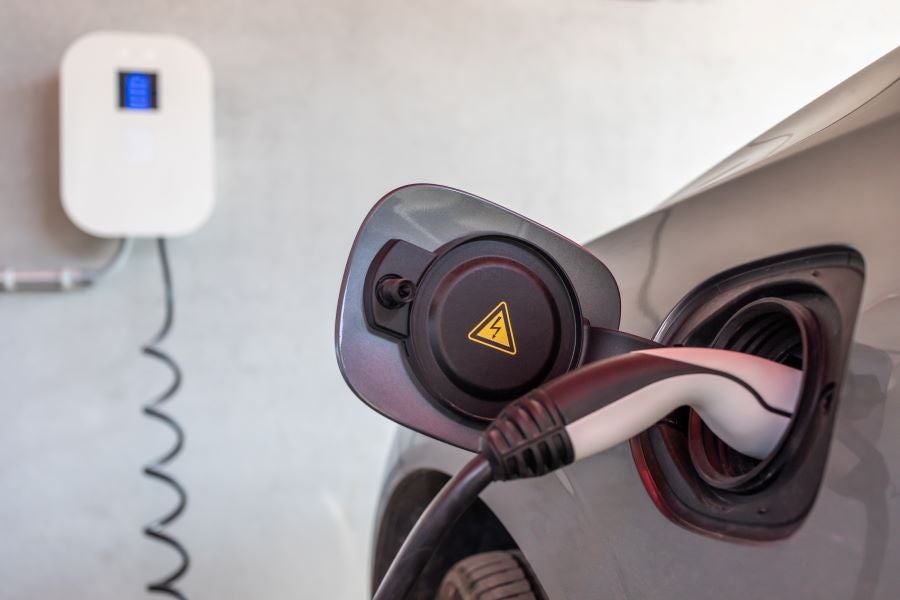
- Look under your vehicle’s charging point door to find one or two connection points, called inlets. You can plug the charging station cord into one of these inlets or use the charge cord included with your vehicle to plug into an outlet.
- If your vehicle has DC Fast Charging capability, remove or flip down the dust cover from the bottom inlet before plugging it in.
Charging Confirmation Lights:
Your EV has a series of lights that help you know when your vehicle is charging and when it’s done.
- When you first plug your vehicle into the charger, you’ll see a blue light flash on your dashboard. This confirms the vehicle is connected to the charger.
- After the blue light flashes, a blinking green light will confirm that your vehicle is charging. As your vehicle charges, the light will flash slower. It will stay solid green once your EV is fully charged.
- A blinking blue light on your dashboard means your vehicle is set to delayed charging. It will begin charging at a later time based on your charging settings. Check the “Charge Later” or “Home Schedule” sections of your Charging App to turn delayed charging on or off and adjust your settings.
Stopping the Charge and Unplugging an EV Charger:
- If the charge station has a stop button, press it.
- In the charge station app, use the stop button on the infotainment screen (if it has one).
- Push the latch release button on the vehicle coupler.
- Find and press the stop button on your vehicle’s center console touchscreen.
Note: You do not have to wait for a complete charge to stop charging your vehicle.
Monitoring Your EV Charging: Tracking Charging Status and Battery Health
When it comes to monitoring EV charging and EV battery health, there are two key ways to keep tabs on it:
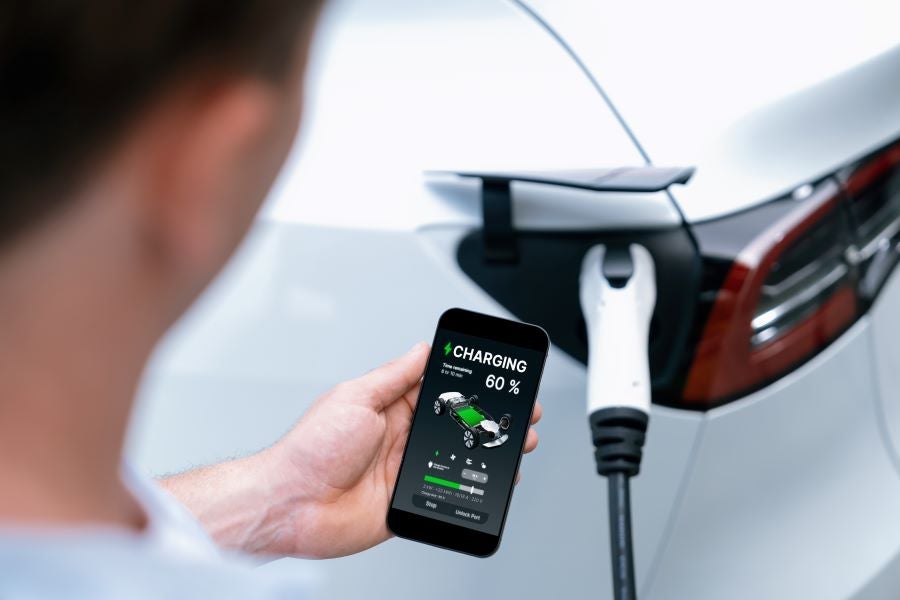
in-vehicle energy app
Your Chevy’s infotainment system will allow you to track EV charging and battery status. Just tap the ENERGY icon to access various tools.
Your Vehicle's Mobile App
With a compatible smartphone, you can access simple energy and route planning tools in the myChevrolet mobile app.

Maximizing Your EV Range: Charging and Driving Habits That Matter
Like getting the most miles per gallon in a gas-powered car, you’re probably interested in maximizing your EV range. Luckily, you can extend your EV battery life by doing many of the same things you’re used to doing to save on gas!
While EV range will vary based on outside temperature, terrain, load, and driving technique, here are some EV driving habits to help maximize your range:
- Preheat or cool the cabin while your vehicle is plugged in to preserve the battery energy for driving.
- If your vehicle has heated or ventilated seats, use them for cabin comfort instead of your climate controls whenever possible.
- Accelerate slowly and drive at lower speeds on the highway.
- Use One-Pedal Driving or Regen On Demand.
- Make sure your tires are properly inflated and in good condition.
Find Your New Chevy EV at Lancaster Motor Company
As your local Chevrolet dealership in Lancaster, SC, we proudly offer an incredible selection of Chevy EV models, including the new Equinox EV, Silverado EV, and Blazer EV! Explore our online inventory, then visit us to get behind the wheel for a test drive.
If you have any questions about how to set up your at-home EV charger, access the Chevrolet EV charging network, or anything else, feel free to contact us. Our team of experts are here to help make your transition from a traditional gas-powered car to an electric one as seamless as possible. We look forward to helping you get into a new electric vehicle, understand EV charging, and more!
Sales Hours
| Monday | 8:30AM - 7:00PM |
| Tuesday | 8:30AM - 7:00PM |
| Wednesday | 8:30AM - 7:00PM |
| Thursday | 8:30AM - 7:00PM |
| Friday | 8:30AM - 7:00PM |
| Saturday | 8:30AM - 5:00PM |
| Sunday | Closed |